
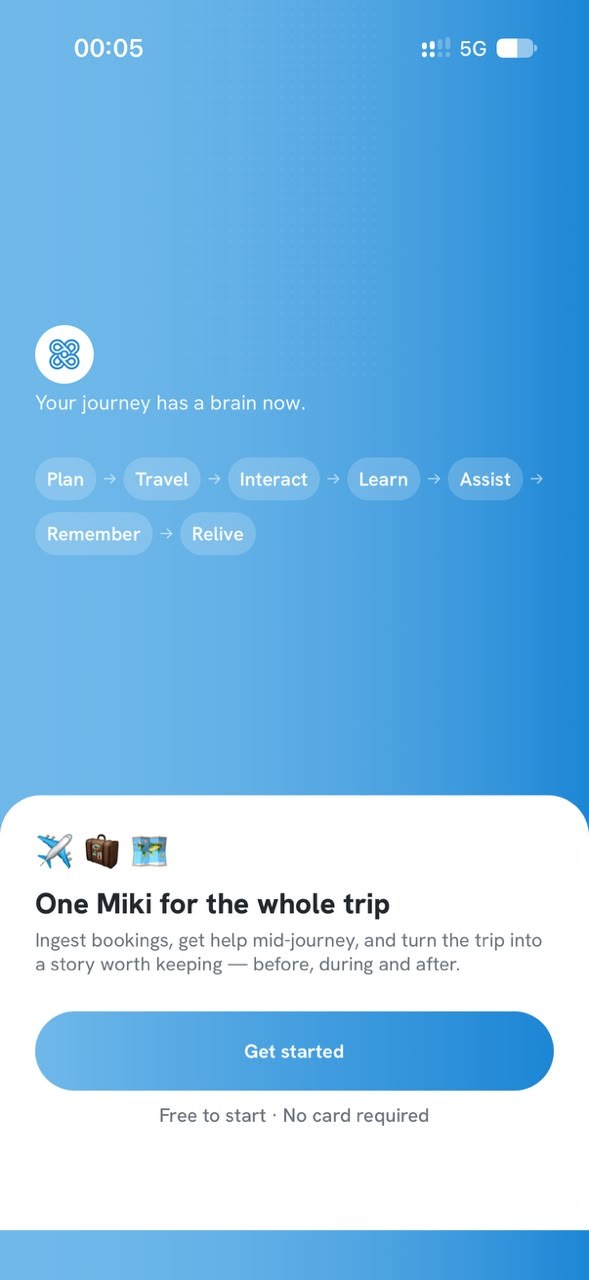
One Miki for the whole trip.
Upload your bookings, get help mid-journey, and turn every trip into a story worth keeping: before, during and after.
Free to start · No card required
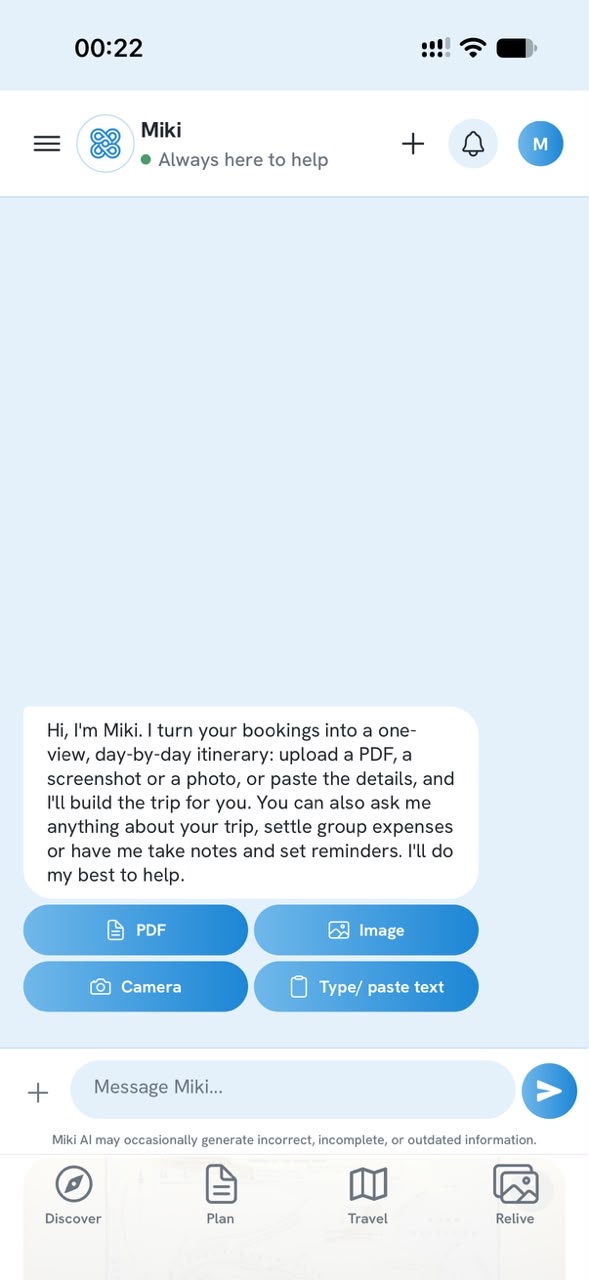
Upload your bookings, get an itinerary
Add a PDF, a screenshot, a photo, or simply type or paste the details. Miki turns flights, hotels and activities into one day-by-day timeline.
- Flights, hotels, tours and tickets in one place
- The booking document is kept on its activity
- Dates and order sorted for you (check-in, travel, check-out)
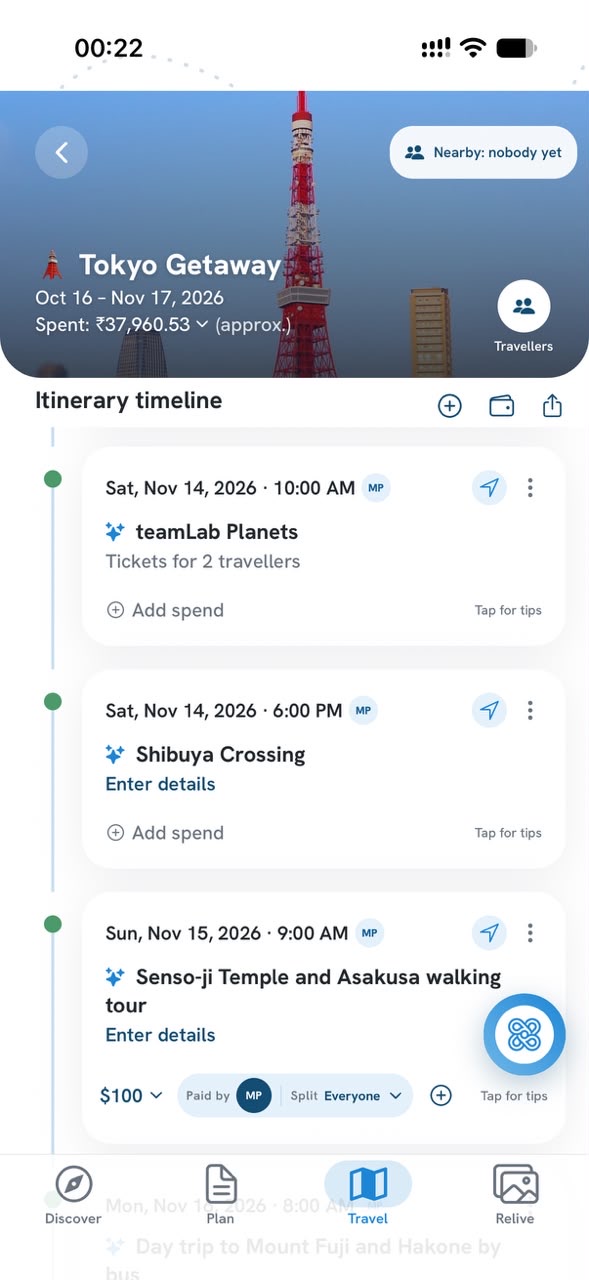
Your whole trip at a glance
Every flight, stay and activity sits on one day-by-day timeline, in date and time order, with the trip's dates and spend right at the top.
- Tap the arrow on a card for directions in Google Maps
- Tips for each activity, one tap away
- Offline view of your saved trips
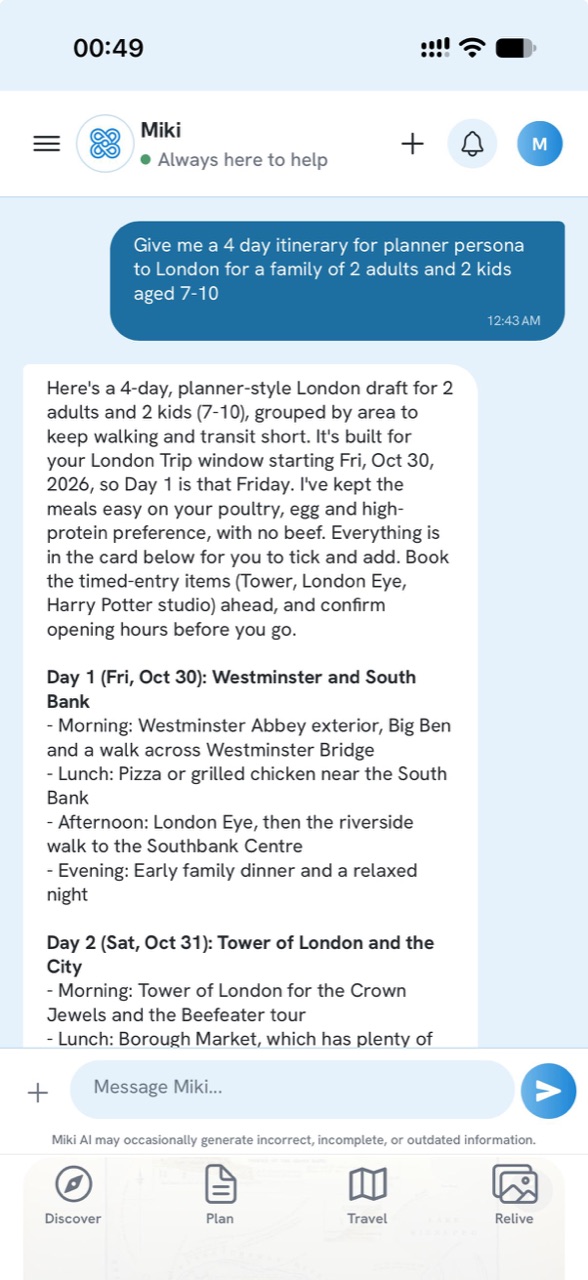
Ask Miki anything
Chat to plan a day, get itinerary ideas for your group and travel style, set a reminder, or check that a flight or booking is still on. Miki knows your trip, so you do not have to repeat it.
- Ideas shaped to who is travelling, as a draft you tick and add
- Add or change activities by just saying so
- Remembers the preferences you choose to save
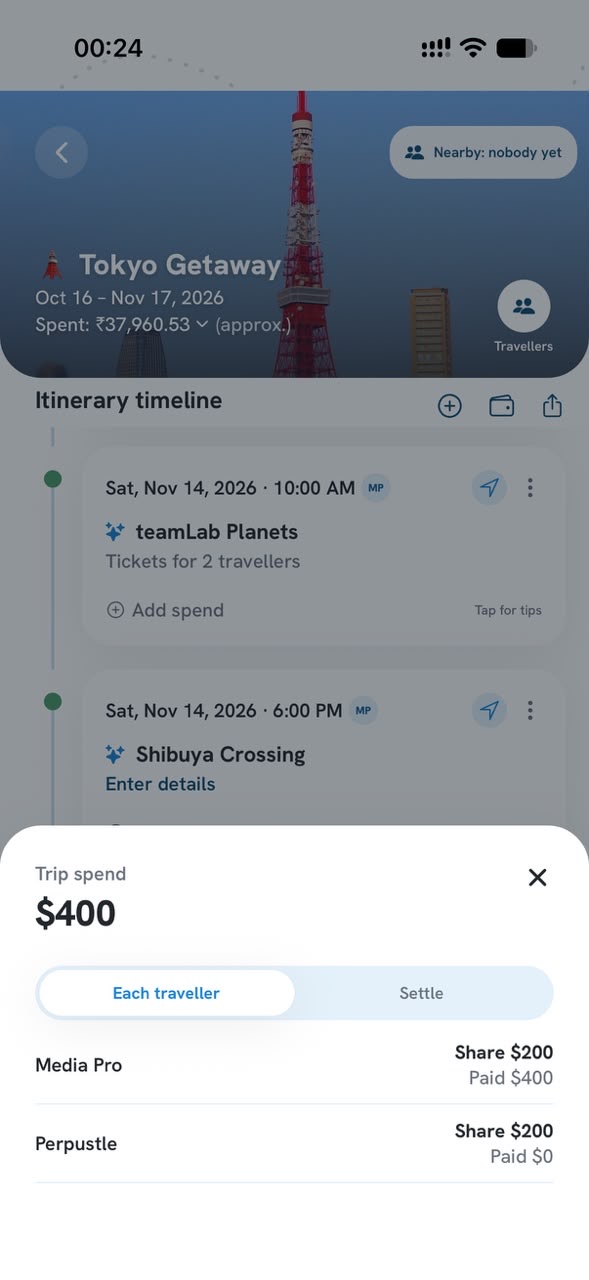
Group trips, easy spends
Invite friends and family by email. Everyone sees the same timeline, and Miki shows each traveller's share and what they have paid, so settling up is easy.
- Each traveller's share and what they paid, at a glance
- Fewest payments to settle, worked out for you
- Pay through any of your favourite payment apps, then hit Settle on Miki
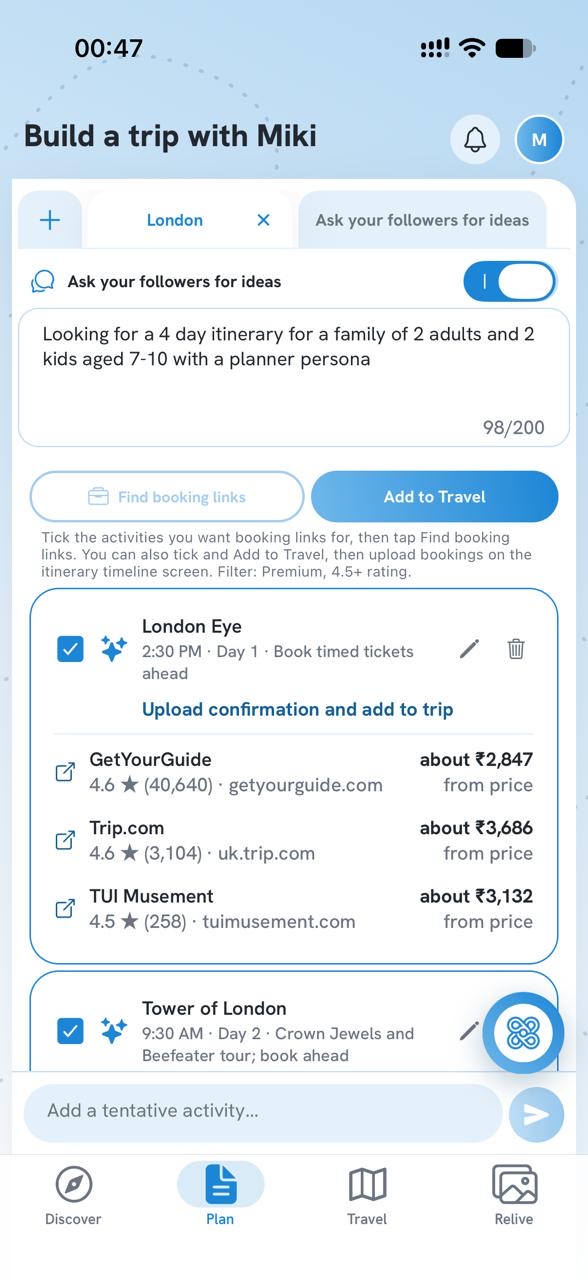
Plan before you book
Build a tentative plan with Miki and your followers. Say in a few words what you are hoping for, tick the activities you want, and Miki finds the best-rated places to book. You pay the seller directly.
- Ask your followers for ideas, with a short brief of what you want
- Booking links for the activities you tick, best rated first
- Add to Travel when you are ready, then attach your bookings
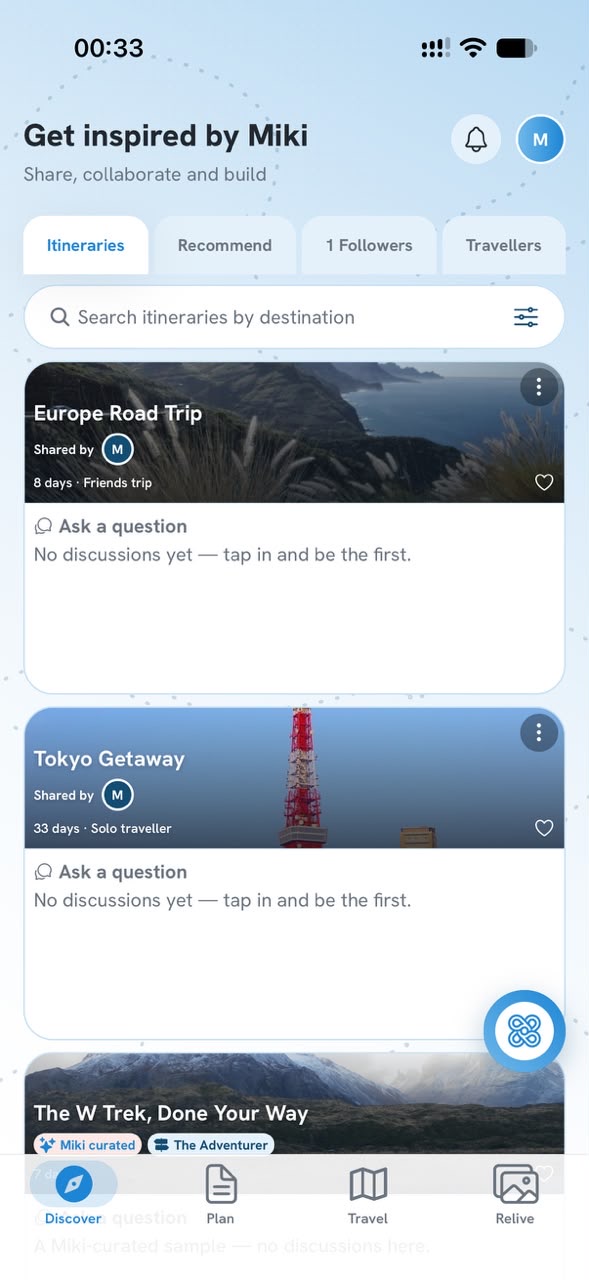
Get ideas on Discover
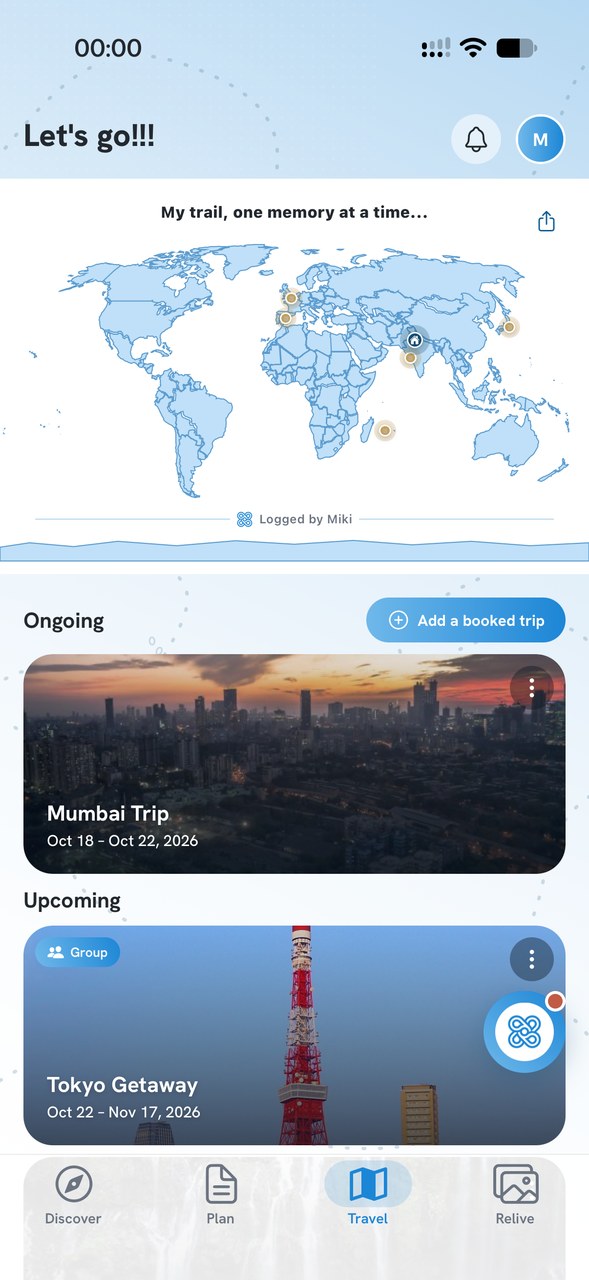
Search trips shared by other travellers by destination, ask a question on any of them, clone one into your own plan, and follow people whose trips you like.
- Search by destination
- Ask the traveller a question on a shared trip
- Clone a trip as a starting point, then make it yours
- Private account? Only your followers see your trips
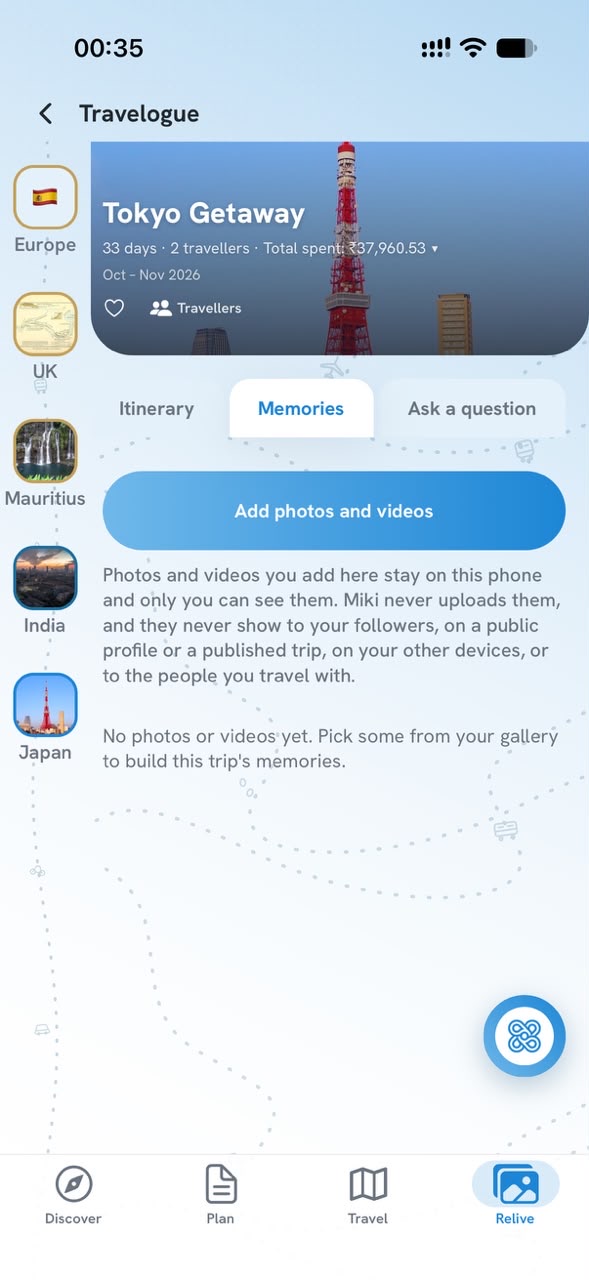
Relive it afterwards
Add your own photos and videos to each trip and look back on where you have been. Pick up to ten at a time and swipe through each batch.
- Only you can see them: never your followers or a public profile
- They stay on your phone: Miki never uploads them
- Your memories stay in Miki only as long as your trip stays
Your next trip, in one place.
Get Miki and bring your bookings, your people and your memories together.
Screens show sample trips.